 Papr
Papr
Reading that gets out of the way
Fit to width or to the page, single pages or continuous scroll, pinch to zoom, day or night. Search the text with match-case and whole-word when you need the exact line.
Read, annotate, edit, sign and rebuild PDF files entirely on your own device. No account. No upload. Nothing sent about what you read.
Your documents are never uploaded, and there is no account.
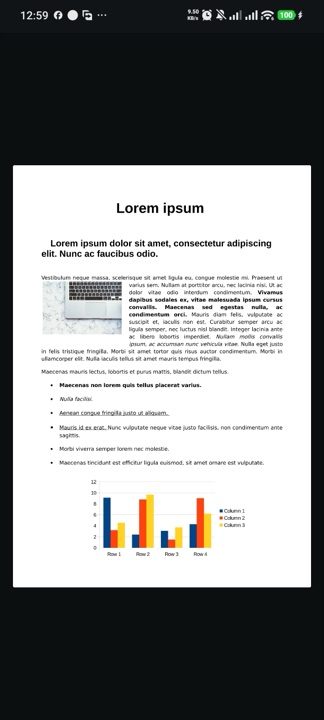
Papr works on the objects that are really in the file — the text, the images, the shapes, the outline — instead of flattening your page into a picture and drawing on top of it.
Fit to width or to the page, single pages or continuous scroll, pinch to zoom, day or night. Search the text with match-case and whole-word when you need the exact line.
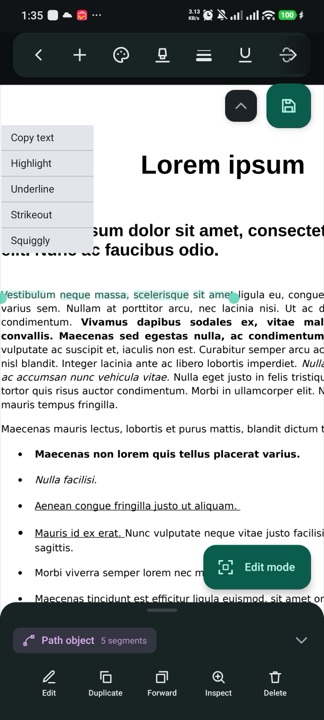
Highlight, underline, strike out or squiggle any run of text. Draw with a pen, marker or highlighter and rub it out again. Sticky notes open with a tap, even in reading mode.
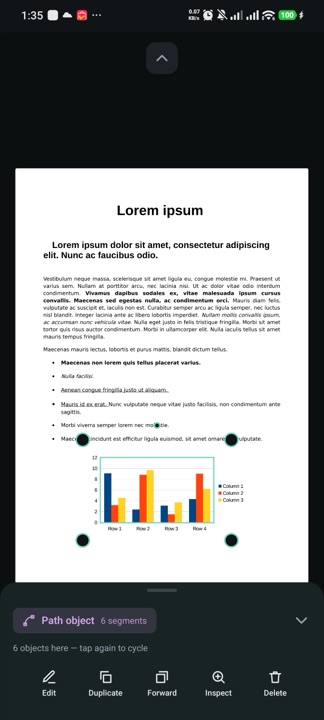
Tap the text, images and shapes the document was built from. Move them, duplicate them, send them forward, inspect them or delete them — the rest of the page stays exactly as it was.
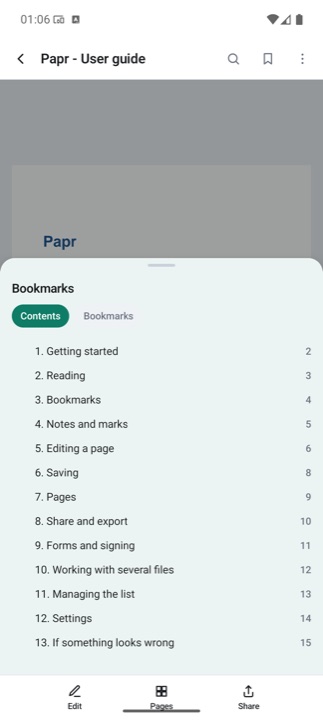
Almost nothing on a phone lets you touch a document's own table of contents. Papr does — rename an entry, change its level, delete a whole branch. Your personal bookmarks stay separate.
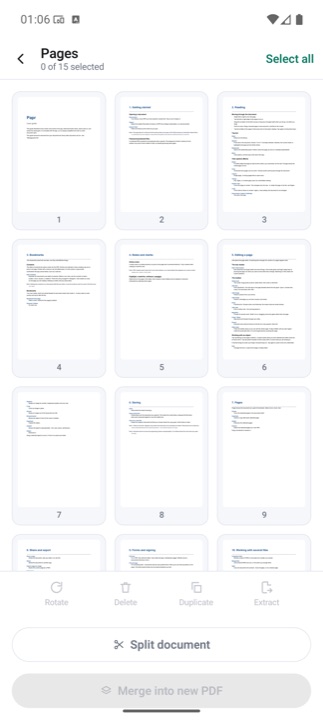
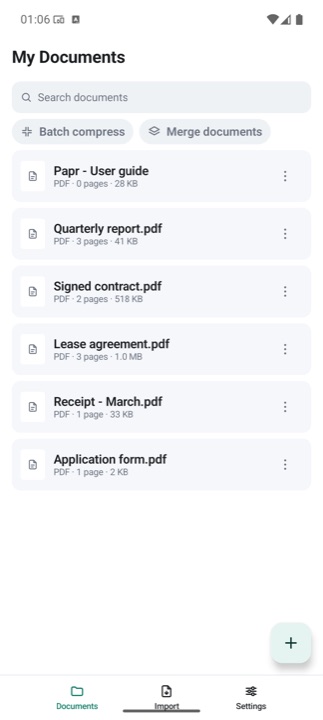
Rotate, delete, duplicate or extract pages. Split one document into two, merge several into one, or compress a whole batch of files without opening them one at a time.
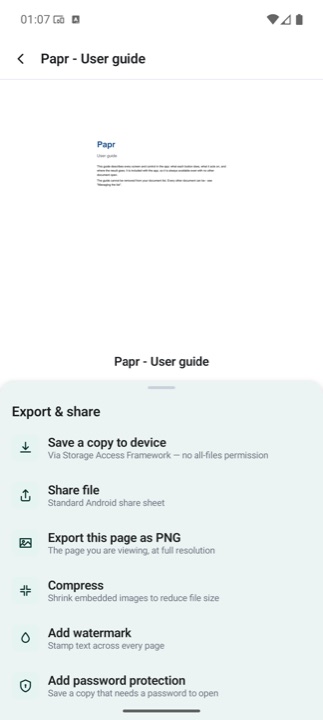
Fill in form fields and sign by drawing, typing or dropping in a picture of your signature. Then save over the original or as a new file, add a watermark or a password, or export a page as a PNG.
Every tool sits where your thumb already is, and the page keeps as much of the screen as it can.
This is not a promise about what we choose to do with your files. It is a description of what the app is able to do at all.
Not to work. Every feature — compression, watermarks, password protection, all of the editing — runs on the device itself, and your documents are never uploaded. The connection is used for one thing only: sending crash reports and anonymous counts of which tools are used, which you can switch off in Settings.
Only if you say so. When you save, Papr asks whether to write over the file you opened or to create a new one, and it never touches the original until you answer.
Yes. Papr edits the objects the document is made of rather than flattening the page into an image, so the fonts, spacing and everything you did not touch stay exactly as they were.
When a file is opened from another app — a mail attachment, a chat, a share sheet — Android grants access only for that visit. Papr keeps the document in your library, and the next time you open it, it explains what happened and offers to find the file again. Once you pick it yourself, the access lasts.
Yes. Papr asks for the password, opens the file, and can add or remove that protection afterwards if you want to change it.
Android 7.0 (Nougat) and anything newer, on phones and tablets.
We read every message and usually reply within two working days.